
Big motion, made manageable.
- Compress video
- MOV → MP4
- Video / MP4 → MP3

Built for files that don’t fit
Video, image, audio and presentation. KrushIt checks the real file and shows what it can actually do.
Runs on this computer. Your file stays local.
Current capabilities
No fantasy format list. KrushIt only shows outcomes backed by the current local engine.
Support is bounded by the real file’s format, streams and constraints. KrushIt inspects before it promises.
Local by design
KrushIt Desktop performs supported transformation work on your computer. The website’s optional first-party measurement is separate from file processing and never accepts your file content or filename.
Read the plain-English privacy boundary →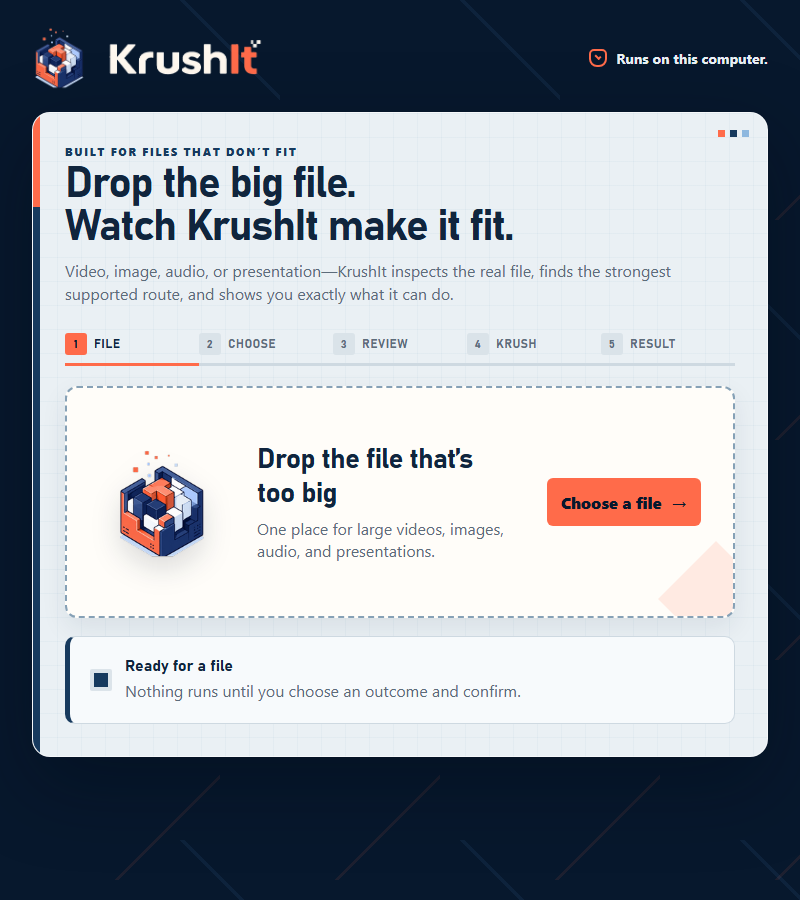
KrushIt Desktop / Windows 11 x64
Choose the outcome, inspect KrushIt’s plan, run locally, and open the verified result. It is built for file paths and large artifacts—not browser memory theater.
The public installer is still under release qualification. We will not hand you an unsigned internal build and pretend it is ready.
Referral / Founding loop
Generate your personal link now. A click never earns a reward by itself: qualification requires a referred person’s first verified Successful Krush.
Referral mechanics are live. Exact reward amounts and redemption terms are not yet approved, so KrushIt makes no numeric reward promise.
Why KrushIt
Read the actual artifact instead of trusting its extension.
Choose the minimum justified intervention for the requested outcome.
Call it ready only after the result satisfies bounded checks.
Straight answers
The Windows desktop product processes supported files locally. The website records bounded acquisition/referral data only where described in the Privacy notice; it does not receive your file content.
The native path is file-based and has passed multi-gigabyte qualification. Exact support still depends on the file’s codecs, streams and requested outcome.
Create-new is the safe default. Replacement is only used after an explicit system save choice and guarded checks. KrushIt does not silently overwrite your source.
The current target is Windows 11 x64. macOS, Linux and mobile apps are not currently public KrushIt products.
The exact Windows installer still needs its remaining clean-host dependency-recovery qualification and later public-release gates. The internal build is intentionally not exposed.
Your link records an attributed referral. Only a later verified Successful Krush can qualify it. Reward economics and redemption remain pending founder approval; clicks alone never earn credit.